Announcements
How to login to SLS
1 January 2026
Log in to SLS at vle.learning.moe.edu.sg using MIMS with your email and password. Use the password reset form if your account is locked or you have forgotten your password.
This article has been migrated from an earlier version of the site and may display formatting inconsistencies.
How to login to Students Learning Space (SLS)
The URL for the main login page is https://vle.learning.moe.edu.sg (opens in new tab).
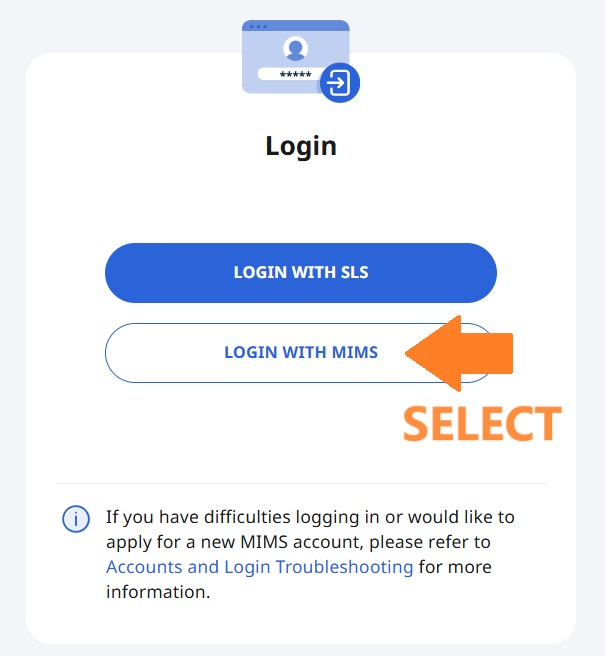
Select "LOGIN WITH MIMS"
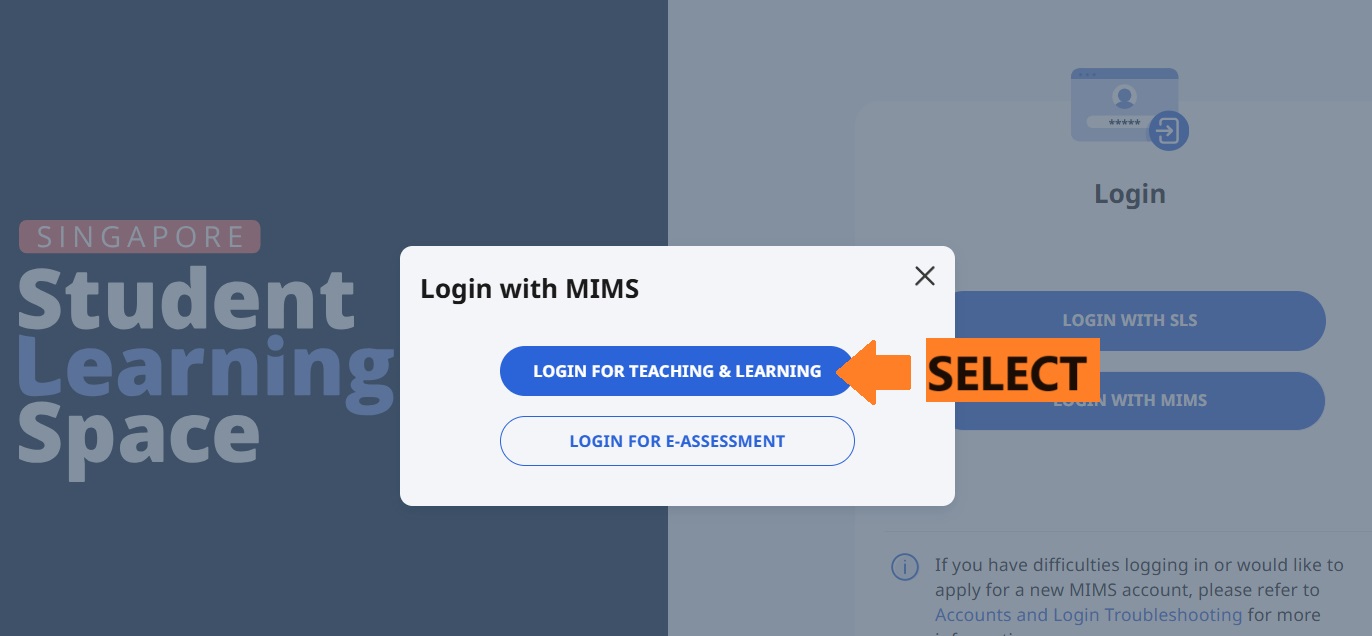
Login with your Email address and password.

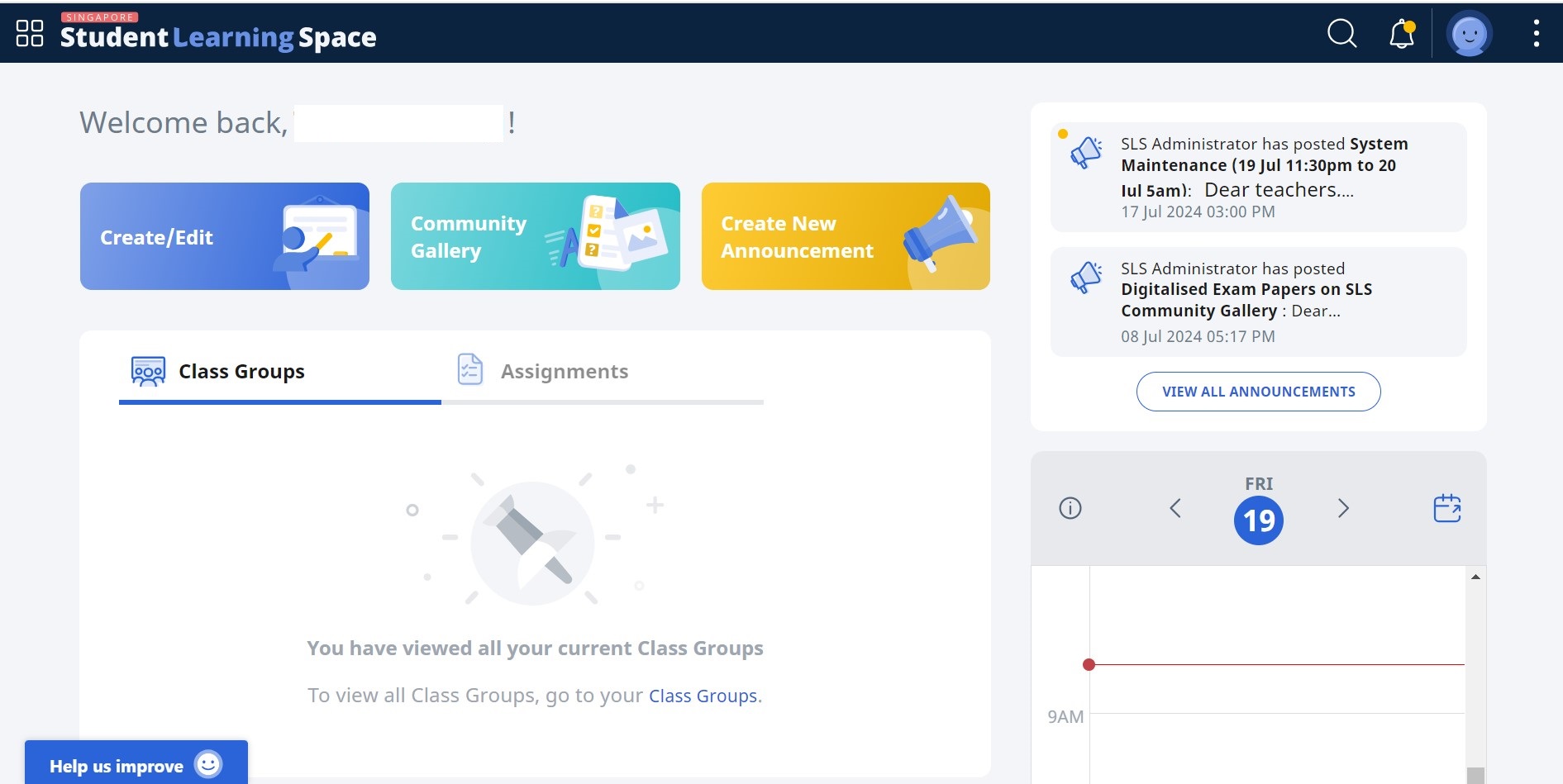
After successfully login:-